Free quarterly newsletter template
A quarterly newsletter covers three months, so it should feel like a report, not a reminder. Use the same parts each quarter: a short note from a person, the quarter in two to four numbers, one big story, what's coming next quarter with dates and goals, a thank you, and one way to help. Download the free template below or copy the example text.
Last reviewed October 22, 2026
Get the template
Word file (.docx), about 40 KB. Opens in Google Docs, Microsoft Word and Pages. Free, no email needed.
Quarterly masthead, a note to start, the quarter in numbers, a photo spot, the big story, next quarter's dates and goals side by side, a thank you and one ask. In Google Docs, choose File, Open, Upload.
The quarterly newsletter, section by section
The example is a food pantry. Nonprofits, HOAs, companies and member groups use the same shape.
Subject line
Our fall quarter: 1,240 meals served, a new partner and what's next
A note to start
Three or four sentences from a person, about the quarter as a whole.
Hi everyone. This was our busiest quarter yet. We served more people, opened on Saturdays and welcomed a new partner. Here's what happened, what it means and what's coming in the next three months.
The quarter in numbers
Two to four numbers people will remember. Compare with last quarter or last year if you can.
- 1,240 meals served, up from 980 last quarter
- 86 new volunteers trained
- 3 new partners in the county
The big story
In August we started opening on Saturdays. Families who work weekdays told us they couldn't get here, and now 140 of them come on Saturday mornings. Thank you to the 22 volunteers who made Saturday work.
What's coming next quarter
Dates
- Nov 15: Annual meeting, 7 PM
- Dec 6: Holiday food drive
- Jan 10: Volunteer training
Goals
- Open a second pickup site
- Train 50 more volunteers
- Publish our year-end report
Thank you
A special thank you to Riverside Market, who donated 600 pounds of produce this quarter, and to Tom Alvarez for fixing the walk-in cooler on a Sunday.
One way to help
We need drivers for the holiday food drive on December 6. Reply to this email with the hours you can do.
Is quarterly often enough?
Quarterly works when your news is slow and your readers care about the big picture: donors, homeowners, shareholders, alumni. It's too slow for event reminders, since an event can come and go between issues. Many groups send a quarterly report plus short emails for events in between.
- Pick fixed months, like January, April, July and October, so it doesn't drift.
- Compare with last quarter. Numbers mean more with a before and after.
- Keep it to five minutes of reading. Link to the full report.
Faster rhythms: the monthly and weekly templates. For an internal update, see the company newsletter template.
Or skip the doc
Four times a year someone has to remember how last quarter's newsletter was laid out. MailWild writes the quarter from your notes and numbers, in a look like Team Update below.
With MailWild you tell it your news in a few lines, add your photos or a YouTube link, and it writes the whole newsletter in seconds. You don't start from the doc. Drafts come back in Clean, a plain modern look in your brand color, and one click shows the same draft in Team Update, the look below, or any other look. Your words and photos stay put. You can also pick a look first and have MailWild fill it in.
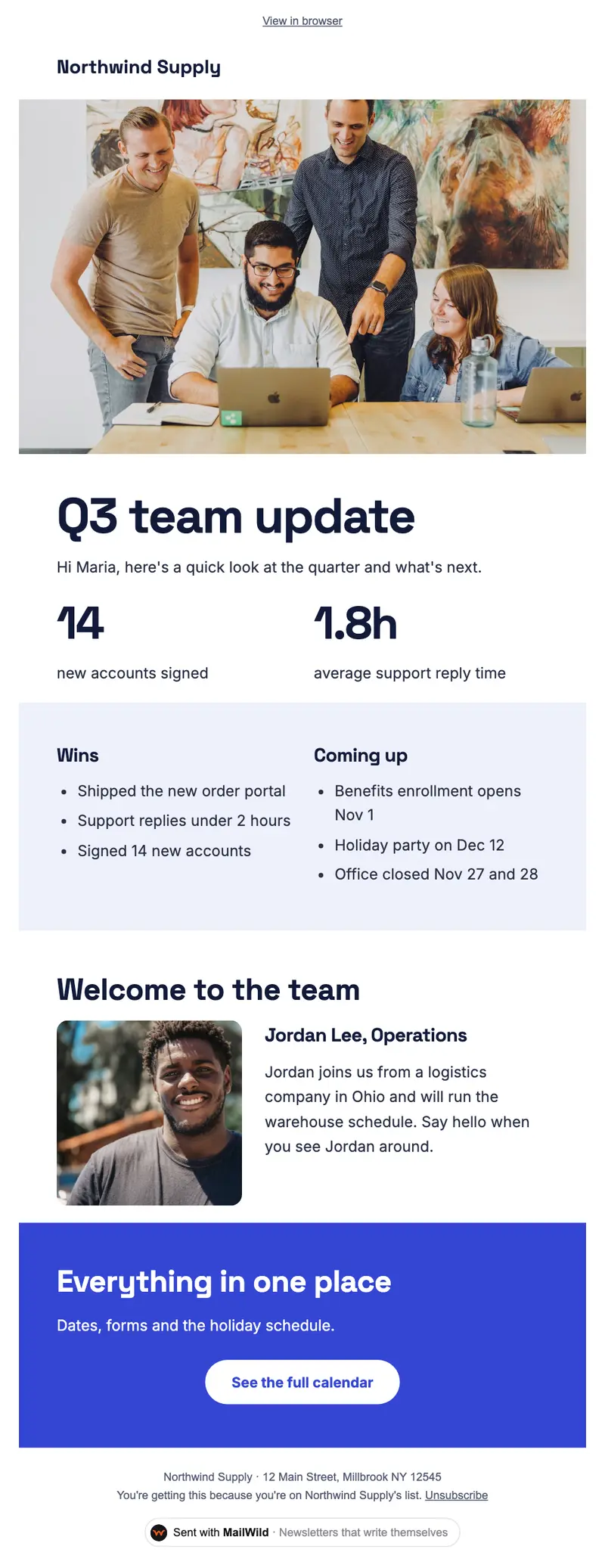
- Edit anything in a simple block editor: photos, buttons, two-column rows and color bands. It looks right on phones automatically.
- Send from your own address at your own domain, signed so inboxes can verify it. Schedule it for later or send a free test to yourself first.
- Unsubscribes are handled. A one-click unsubscribe link and your mailing address are added to every email, and bounced addresses are removed.
- See who opened. Each newsletter shows delivered, opens, clicks and unsubscribes.
- Bring your list. Import a spreadsheet (CSV or Excel) or paste a list of emails. Duplicates and bad addresses are set aside for you.
The templates come with the software. Setting up is free: import your list, write, connect your domain and send yourself tests. You pay when you send to your list, priced by list size, with a 14-day money-back guarantee on the first payment. There is no free plan. See pricing.
Questions
What should be in a quarterly newsletter?
A short note from a person, the quarter in two to four numbers, one big story, what's coming next quarter with dates and goals, a thank you, and one way to help or act.
Is a quarterly newsletter often enough?
For big-picture news to donors, homeowners or members, yes. For events and reminders it's too slow, so many groups add short emails in between.
When should I send a quarterly newsletter?
In the same month each quarter, such as early January, April, July and October, soon after the quarter closes so the numbers are fresh.
Is this quarterly newsletter template free?
Yes. It's a free Word file that also opens in Google Docs (File, Open, Upload). No signup needed.